What shipped
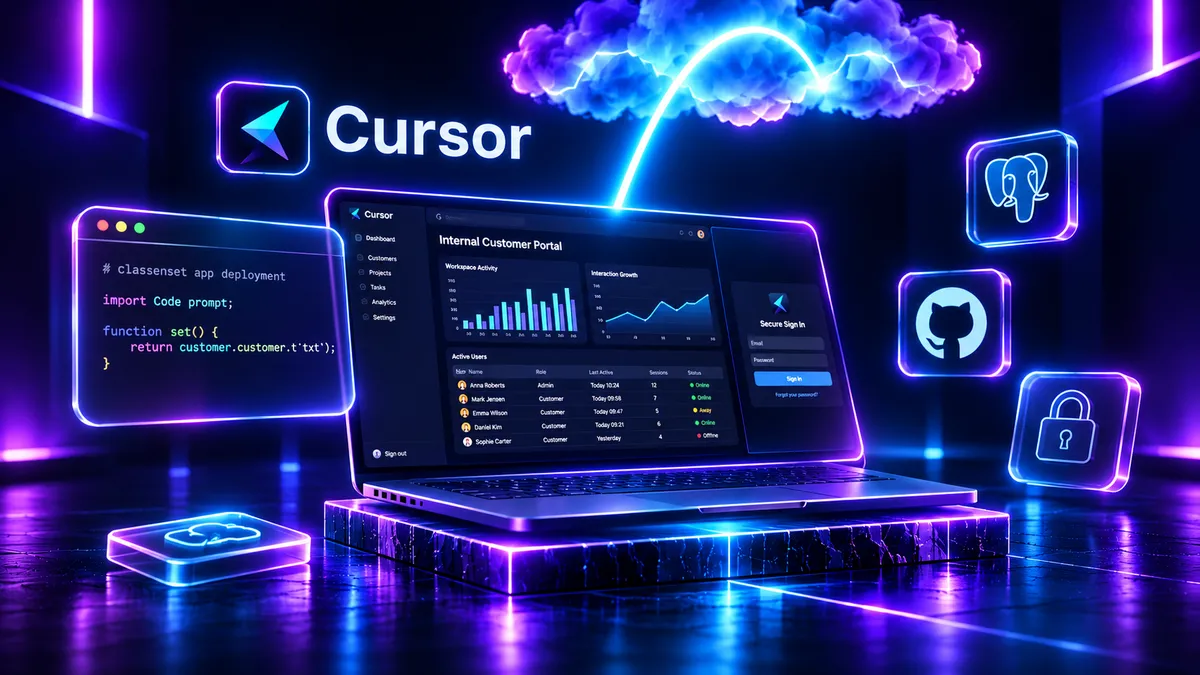
Cursor's 5 November changelog introduced Build Live Apps, a way to turn a cloud-agent prompt into a running web application with a shareable URL. The agent can scaffold the application, provision a Postgres database where needed, configure access behind Cursor sign-in and set up hosting. It works with a new repository on Cursor Origin or an existing GitHub repository. The feature is available on paid Cursor plans with cloud agents enabled, not in a local-only agent session.
Before publication, Cursor runs deterministic checks for exposed secrets and credential files, excludes .env files and source maps, and applies an AI security review. The owner still chooses when to publish. Apps can be shared with invited people or a team through Cursor sign-in. Individual plans also allow public links, while team admins control whether public apps are permitted.
Why a small team cares
Consider a solo consultant building a simple project-status portal for one client. The conventional path involves creating the frontend, choosing hosting, connecting a database, adding sign-in and setting up deployment. Cursor now offers a single assisted path through much of that setup. That makes a working first version easier to show, especially for a small, short-lived operational need.
The missing decision is who will use it and what data they can see. A public link is not client-specific authentication. A private Cursor app requires viewers to sign in through Cursor, which may be an awkward requirement for external clients. Before connecting real project records, the consultant must confirm whether the app's access model suits the people who need it. A hosted URL solves deployment, not user permissions or customer support.
Hype vs useful
Cursor calls this a way for anyone in an organisation to make tools, but the actual prerequisite is access to paid Cursor cloud agents for building. The documentation confirms Cursor sign-in for private viewers; it does not establish that every invited viewer must buy a paid seat. More importantly, automated checks are a gate against some common mistakes, not independent proof that the app is safe or reliable.
Useful means taking a small process from a prompt to a testable URL without spending a day configuring infrastructure. It does not mean skipping code review, checking database permissions, validating inputs, assessing backup and recovery, or defining who owns maintenance. Start with synthetic data and a workflow that tolerates failure. If the result survives review, consider a limited rollout; otherwise keep the demo separate from production.