What shipped
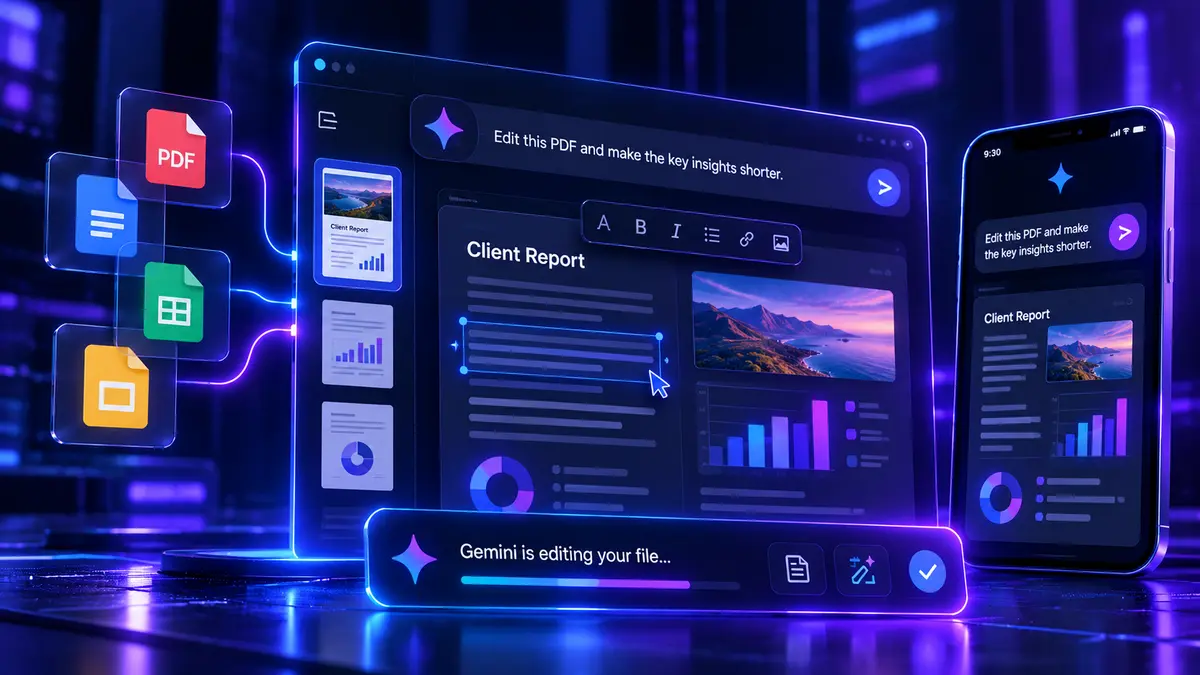
On October 29, Google introduced in-conversation file previews and editing in the Gemini app. Users can generate a document, inspect the result, expand it to full screen, make manual edits or highlight individual passages and ask Gemini to revise them.
The supported file types include PDFs, documents, spreadsheets, slide decks, Markdown, plain text and code. Google says PDF previews and editing work on the web and mobile, while the other formats currently require the web version. The new editing experience is available wherever the Gemini app is supported, across its available languages.
Gemini could already generate downloadable files. The meaningful addition is a shorter editing loop: reviewing and correcting the output without constantly copying text to another application or restarting the document generation process.
Why a small team cares
Take an independent consultant producing a monthly performance report. The underlying data may come from a spreadsheet, but delivery usually involves writing commentary, arranging tables, polishing a PDF and dealing with late changes requested by the client.
An editor inside the conversation could reduce that mechanical work. A consultant might ask Gemini to draft the explanation of a weak conversion rate, manually correct the business context, then highlight a chart caption for rewriting. The value is the reduction in formatting and revision time, provided the exported report remains usable.
That proviso matters. A plausible paragraph is easy to produce; an accurate spreadsheet and a professional PDF are much harder. Formula references, page breaks, tables and repeated edits need testing in the exact tools where a customer will eventually open the file.
Hype vs useful
Google's release demonstrates editing capabilities, not a measured productivity improvement for professional work. A live preview is not the same as collaborative governance, dependable financial calculations or perfect export fidelity.
The useful test is narrow: give Gemini one report with real structure, a couple of revisions and a final export. Measure the minutes saved and the mistakes introduced. If the result still requires extensive repair in Docs, Excel or PowerPoint, keeping those applications as the primary editor is the sensible decision.
For small teams, the question is whether this removes an annoying production step. It does not justify moving confidential client material into a new tool without checking the account's data handling and permissions first.