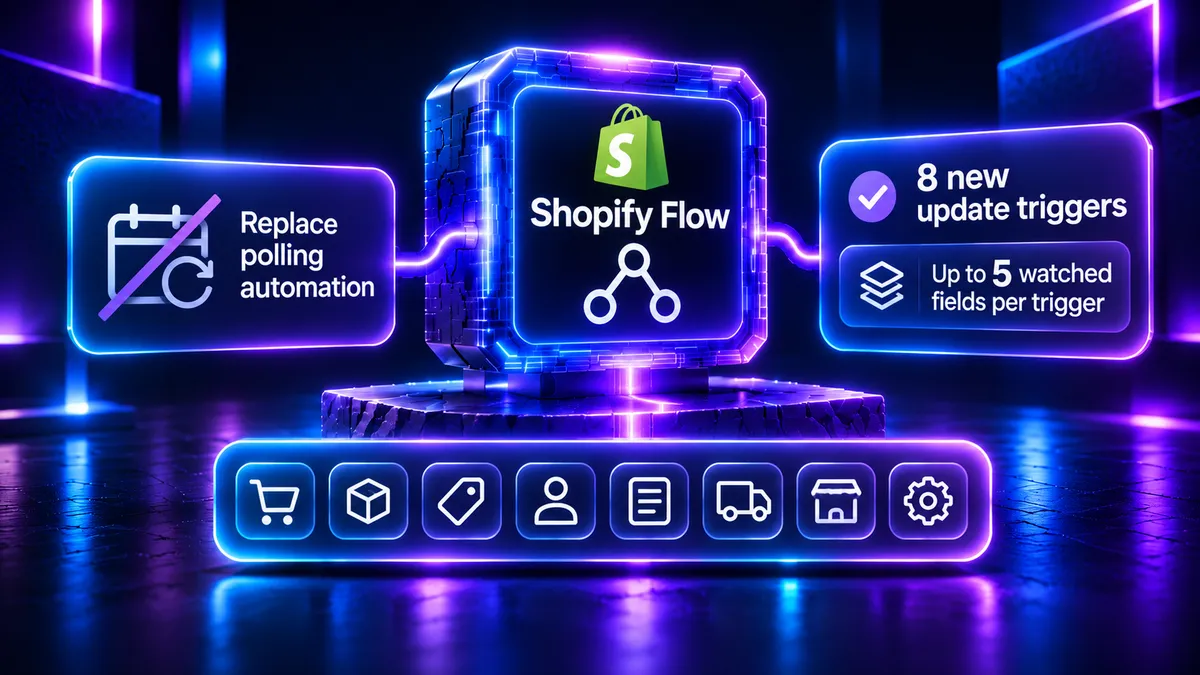
The expensive automation is not always the one with complex logic. Sometimes it is a job that checks the same order every 15 minutes just to discover one field changed.
What actually happened
On 20 November, Shopify added eight 'updated' triggers to Shopify Flow: customer, order, refund, return, fulfillment order, collection, location and inventory item. Merchants can select up to five fields for each trigger. When a monitored field changes, Flow starts the workflow. The update extends the existing Product updated approach to more operational records.
Shopify's own examples include alerting the fulfillment team to a changed shipping address, reacting to collection membership updates and updating a product metafield when inventory-item cost changes. These triggers are available in the Flow workflow builder. They are not a promise that every property or every downstream integration will behave identically.
Why a small team cares
Picture a Shopify merchant with a small warehouse team. A customer edits their shipping address after placing an order, but the warehouse uses a daily exception list. By the time staff see the change, the parcel may already be packed.
A Flow trigger watching the relevant order field can notify staff when the change occurs. No separate 15-minute polling loop is needed just to detect that update. The same principle applies to revised item costs, return statuses and selected customer fields.
This matters because scheduled checks consume API requests, introduce a delay and leave one more integration to maintain. For straightforward internal notifications, Flow can now handle the first step natively. External automation tools remain useful when a change must propagate through an ERP, CRM or custom pricing system.
Hype vs useful
Eight triggers do not eliminate the need for integration design. Five monitored fields per trigger is a real constraint, and a changed record can cause additional updates elsewhere. Two workflows writing to each other's watched fields can create repeated actions or noisy alerts.
Treat this as a way to simplify an existing job, not a reason to automate every record update. Start with a notification that cannot modify the order itself. Once it fires on relevant changes and stays quiet on unrelated ones, the old scheduled detector may be redundant.