What actually happened
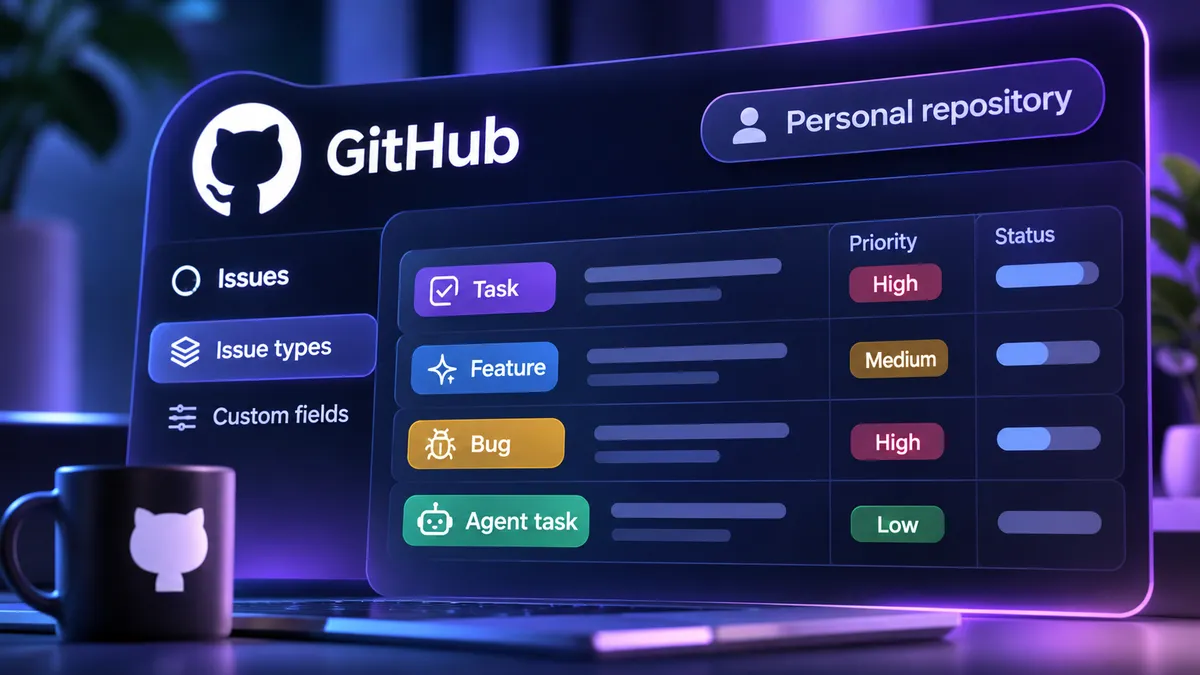
On 11 November, GitHub made issue types and custom issue fields generally available for repositories owned by personal accounts. Previously, developers often needed an organization-level setup to get comparable structured planning features. Personal repositories now support the default Bug, Task and Feature types, and account owners can create or customize up to 25 issue types.
GitHub also supplies default fields for Priority, Effort, Start date and Target date. Users can customize up to 25 fields using text, number, date, single-select and multi-select inputs. Fields can attach to particular issue types, appear in projects and be changed in bulk. REST and GraphQL APIs and webhooks provide ways to automate issue metadata.
Why a small team cares
Consider a solo developer shipping a small subscription app from a personal repository. Its open issues mix production bugs, requested features and routine cleanup. When a coding agent picks up work, those categories matter: a bug should describe the regression and expected behavior, while a feature needs acceptance criteria and a boundary for what not to build.
With a consistent issue type and a small amount of triage metadata, the backlog becomes easier to filter, hand to an agent and review after a pull request. Priority and effort can help separate work that belongs in today's release from ideas that should stay parked. None of this requires creating a company account or migrating the repository.
Hype vs useful
More fields do not make issues well specified. A Type field cannot replace reproduction steps, expected behavior, test cases or a clear definition of done. Coding agents will still make bad assumptions when the ticket is vague. This release improves the container for the work, not the work's underlying quality.
There is also little reason to recreate a Jira or Linear schema inside GitHub when another system already owns delivery decisions. GitHub's defaults are enough for most personal projects. Choose a short taxonomy, keep the issue body useful, and leave advanced planning workflows to the system already maintaining your schedule.